InsightSlides blog
From a brief to a finished deck
How InsightSlides plans, writes and lays out a presentation from a description, how you refine it in the workbench, and how to get decks people actually want to present.
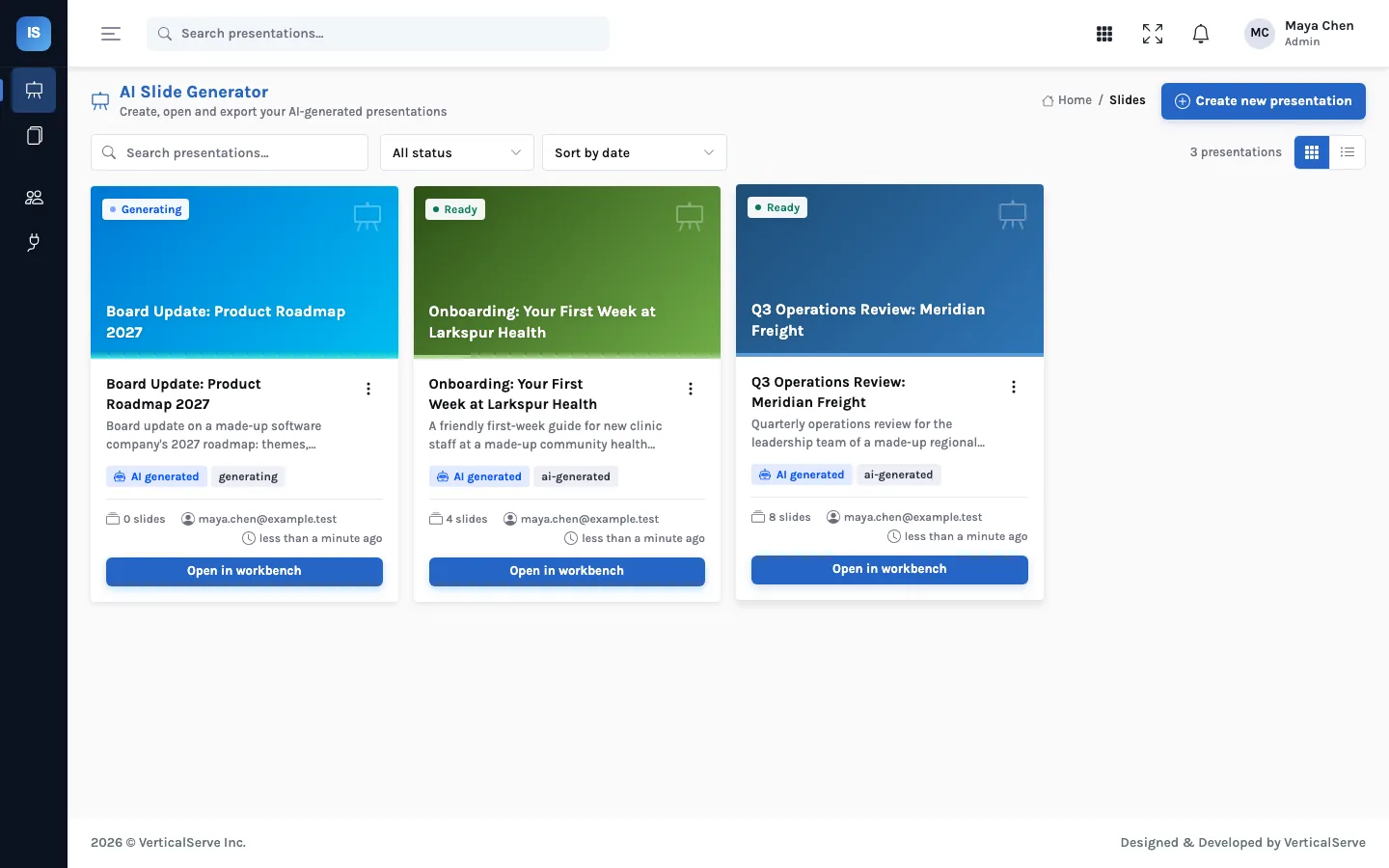 Product introduction
Introducing InsightSlides: from a brief to a finished deck
Describe the presentation you need, pick a template and a tone, and InsightSlides plans the story, writes every slide with speaker notes and draws the diagrams. Then you refine it and export to PowerPoint or PDF.
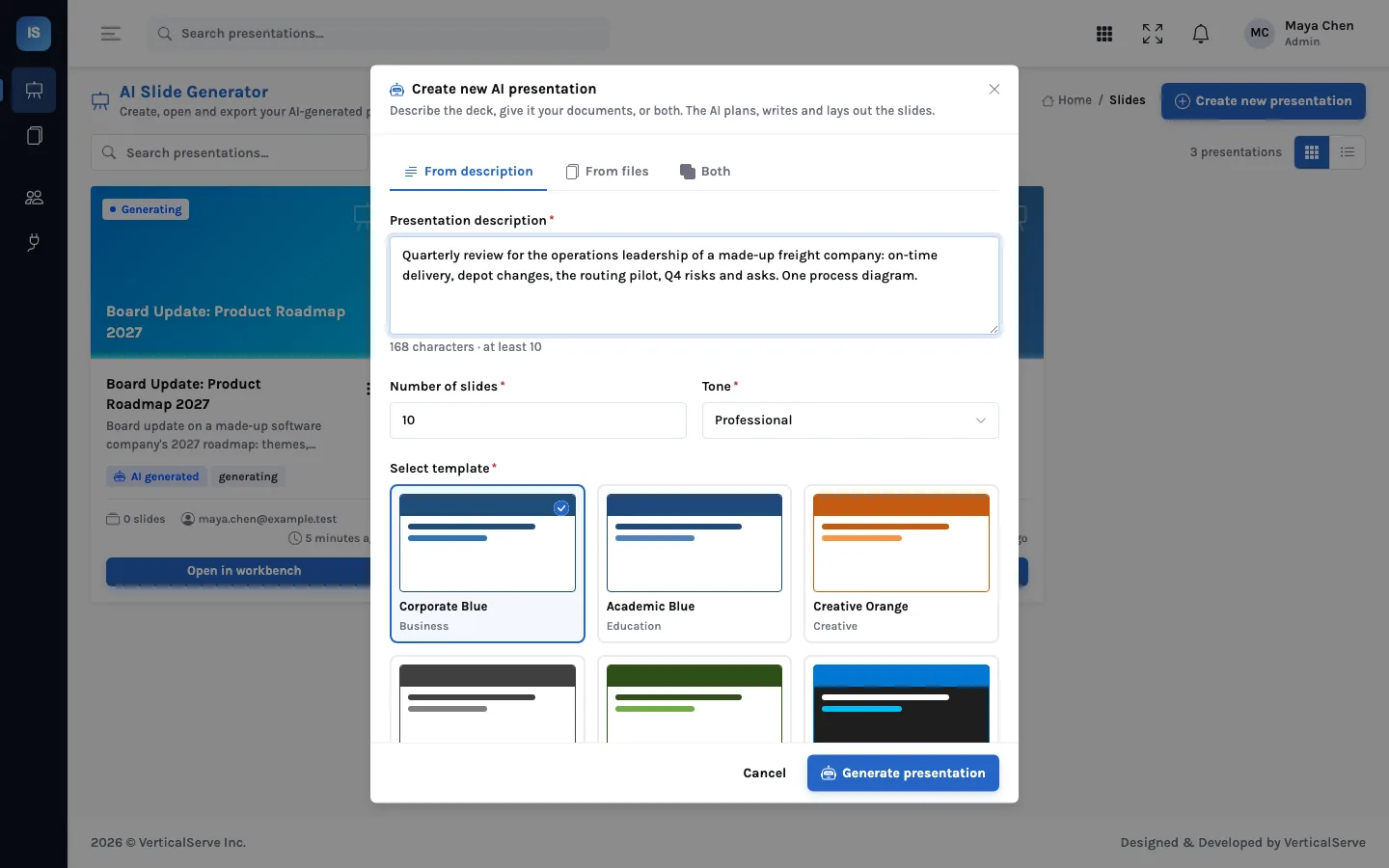 How it works
How InsightSlides generates a deck: plan, write, draw, assemble
What happens between pressing Generate and opening the workbench: the four stages of generation, what each one asks the model for, what is saved, and what happens when a step goes wrong.
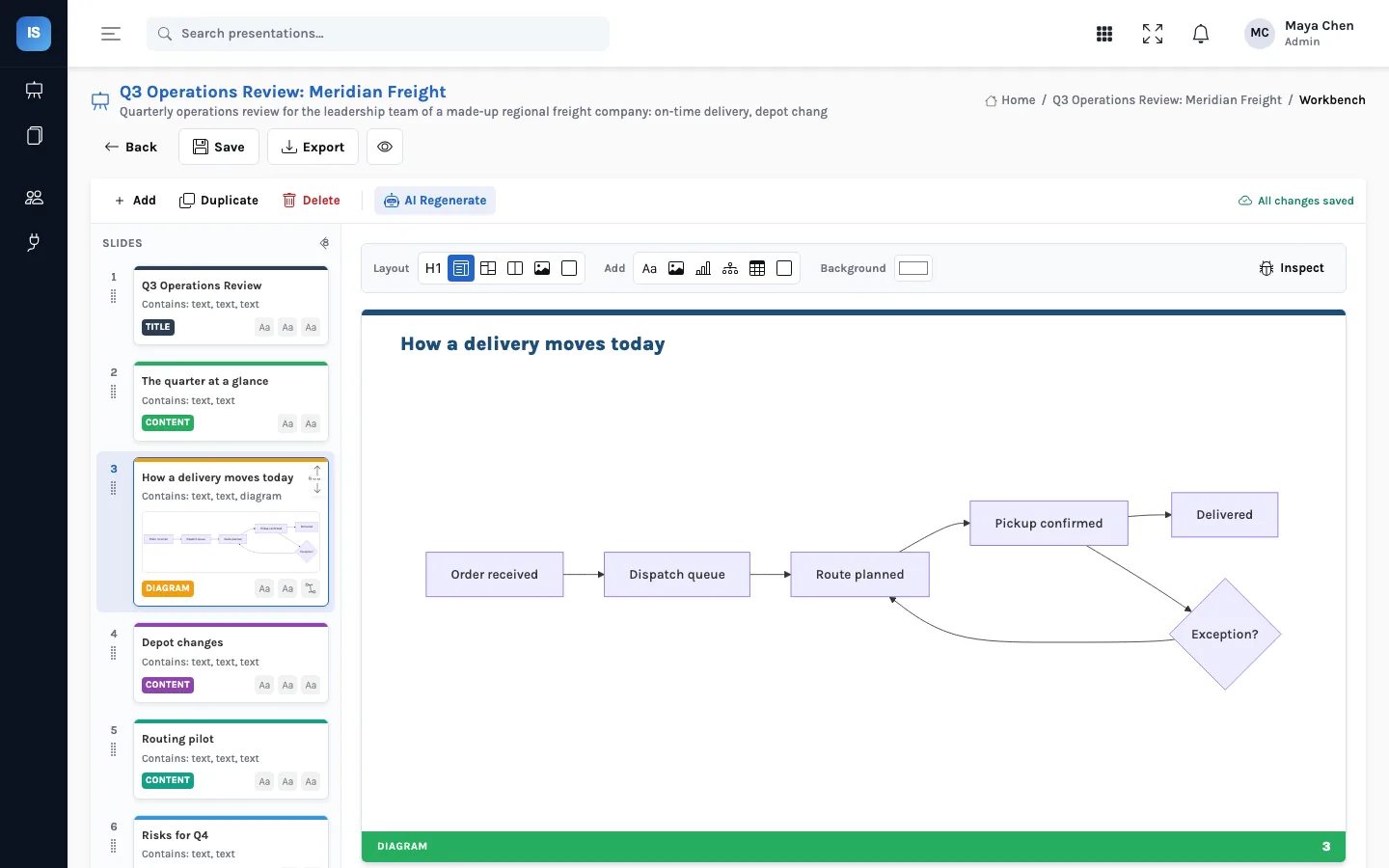 How it works
The workbench: turning a first draft into your deck
A generated deck is a first draft. A tour of the InsightSlides workbench: the slide navigator, layouts, elements, speaker notes, diagrams, saving and export.
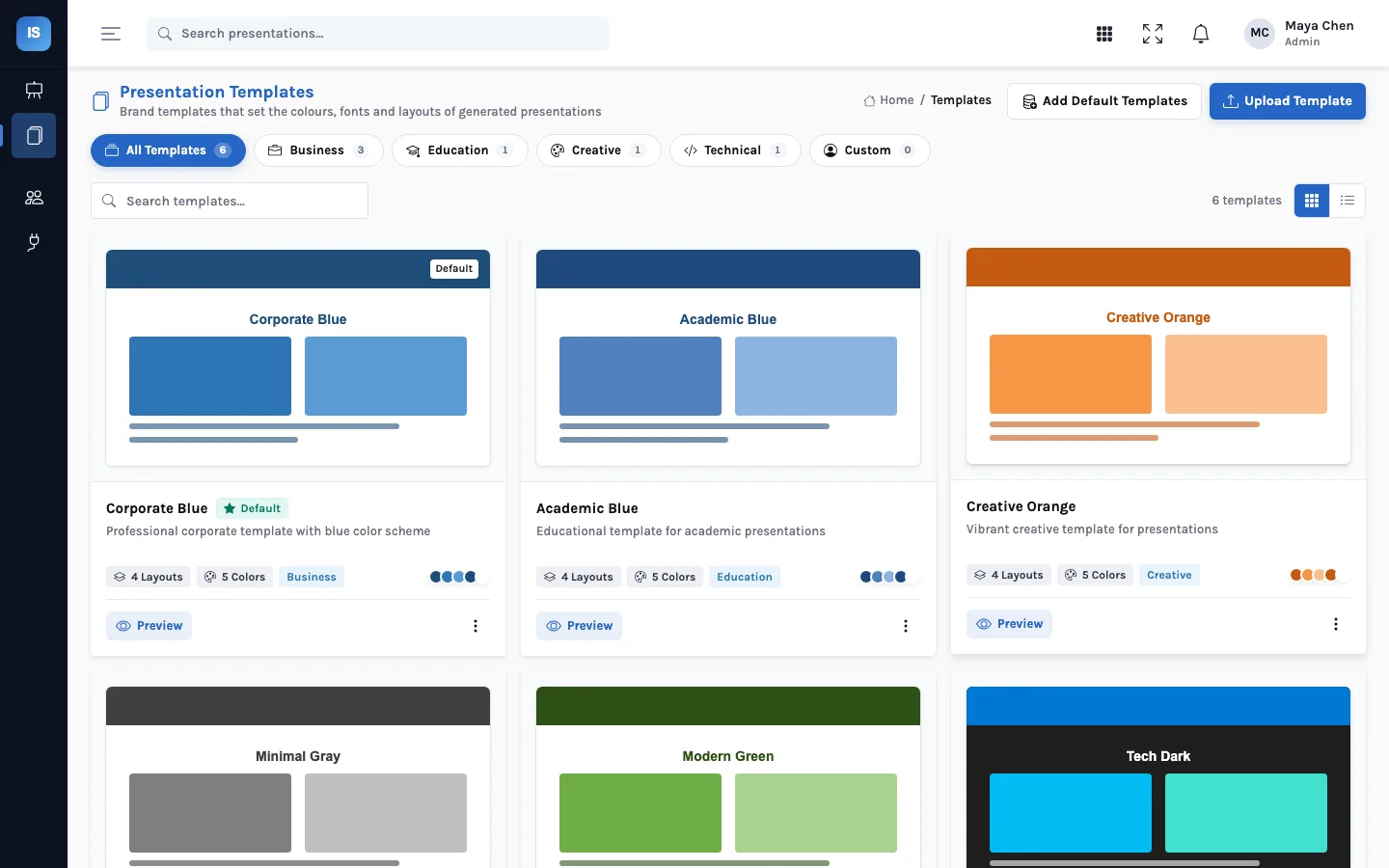 How it works
Templates: built-in designs and your own PowerPoint template
How InsightSlides templates work: the six built-in designs, what happens when you upload a .pptx template, and how to choose a default for your team.
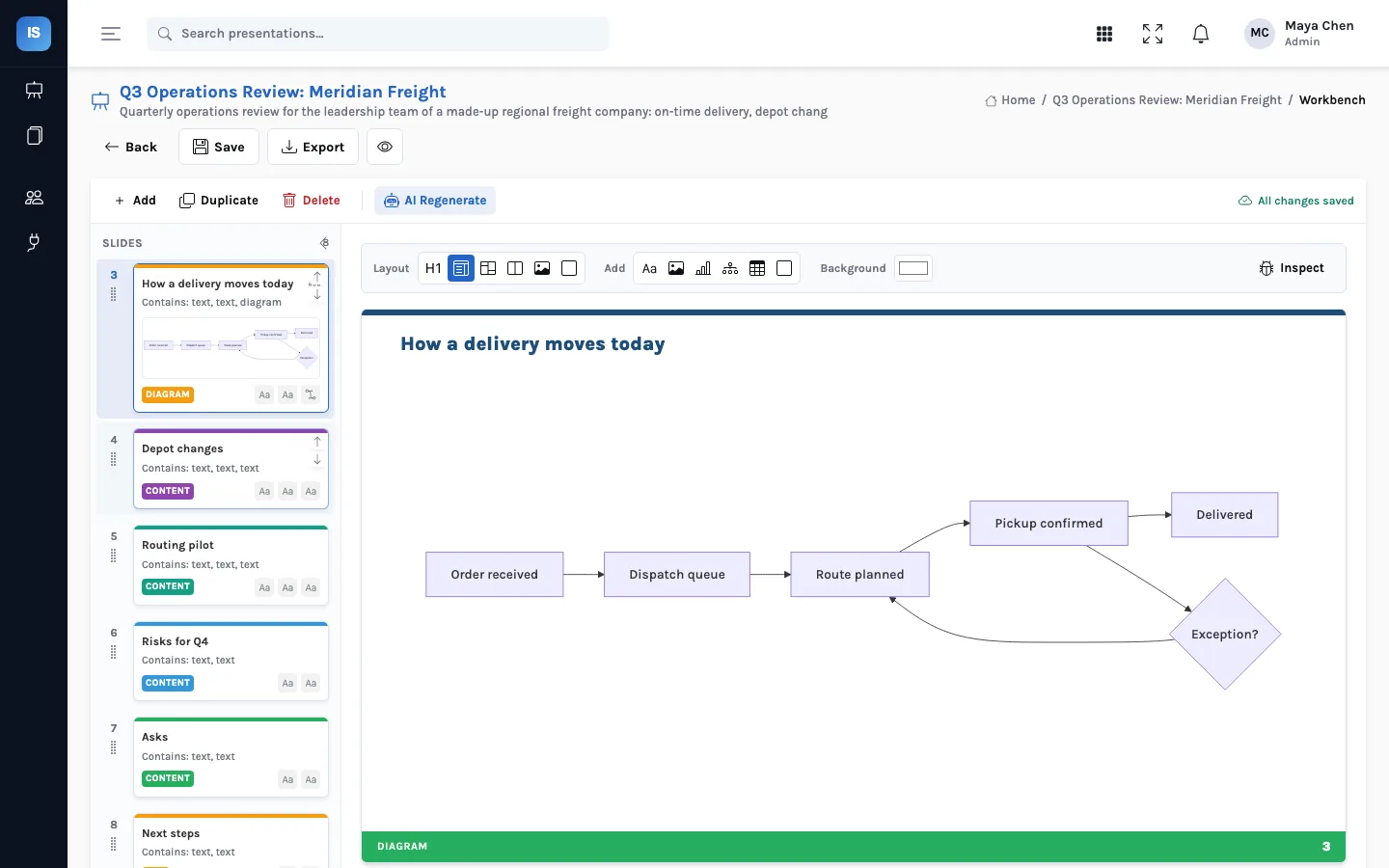 Use case
: an operations manager's quarterly review
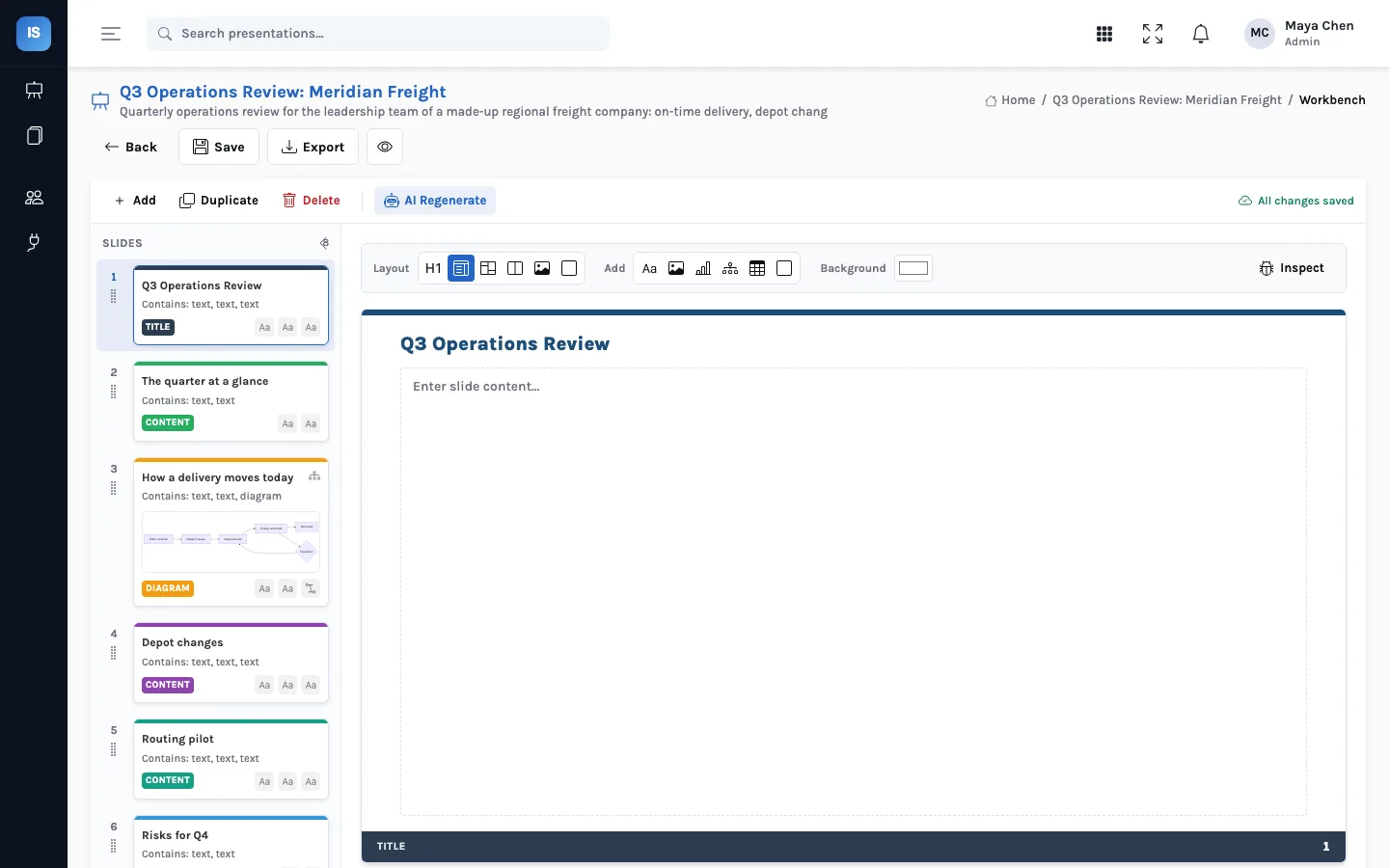
A worked example with a made-up freight company. From a one-paragraph brief to an eight-slide leadership review with a process diagram and speaker notes, and the edits that turn the draft into the manager's own deck.
 Use case
: a people team's first-week onboarding deck
A worked example with a made-up community health provider. A friendly onboarding deck in a casual tone, a first-week timeline diagram, and an export that team leads can reuse at every site.
 Practical guide
A practical guide to writing a brief that produces a good deck
The description you type is the main thing the generator works from. Five things every brief should say, examples of weak and strong briefs, and how slide count and tone change the result.
Practical guide
A practical guide to diagrams in your slides
InsightSlides draws diagrams as Mermaid code, so they stay editable. How to ask for a good one, how to edit it, and the choice between image and native shapes when you export to PowerPoint.
Make your next deck with us
Bring the brief for a presentation you have to give. We generate it together and refine it in the workbench.